I'm very glad and more than happy to release my first open-source plugin for QField: the QField Traccar Client.
Field surveys often require knowing where your team members or devices are at any given moment. While QField excels at mobile data collection, live device tracking has always required a separate solution. This plugin bridges that gap.
QField Traccar Client is an app-wide QField plugin that periodically sends the device's GPS position — latitude, longitude, altitude, speed, bearing, and accuracy — to a Traccar server using the lightweight OsmAnd HTTP protocol. Traccar is a free and open-source GPS tracking platform, giving you full control over your data with no vendor lock-in.
Possible Use Cases
Real-time GPS tracking adds clear value in a wide range of field survey scenarios:
- Utility & infrastructure inspection — track inspection crews across large pipeline, powerline or road networks; supervisors can monitor progress in real time and re-deploy teams without radio calls.
- Environmental monitoring campaigns — log the exact path followed during vegetation, water quality or soil sampling transects so samples can later be correlated with the surveyor's exact trajectory.
- Search & rescue coordination — deploy QField-equipped teams in rugged terrain and monitor their positions live on the Traccar map to coordinate search grids and ensure no area is missed.
- Archaeological or geological survey — record the walked track alongside point features collected in QField, producing a complete audit trail of "where was the geologist/archaeologist at every moment".
- Forestry and land management — verify that all parcels in a large concession have actually been visited during inspection rounds, using the stored track as legal evidence of compliance.
- Disaster response & damage assessment — dispatch multiple field teams after an earthquake or flood; HQ can see instantly which zones have been assessed and which still need coverage.
- Construction site supervision — confirm that quality-control inspectors have walked every section of a worksite, and flag if a team stays static for too long (possible incident alert).
- Multi-team topographic campaigns — when several surveyors work in parallel, the project manager can prevent duplicate coverage and dynamically assign new areas as zones are completed.
- Remote lone-worker safety — satisfy duty-of-care requirements by proving a field technician working alone in an isolated area is moving normally; trigger an alert if the device stops reporting.
- Wildlife or biodiversity transects — register the surveyor's exact path so species observations collected in QField can be spatially joined to the walked transect for density-estimation analyses.
A real-time event log inside the plugin panel lets you monitor connection status and spot any issues right from the field — no need to switch apps.
Download and Installation
(it couldn't be easier)
1. Please ensure that you have at least version 4.x of QField installed on your device.
2. In QField open Settings → Plugins
3. Tap Install plugin from URL and paste the ZIP file URL.
4. Copy the following ZIP file URL:
qfield-traccar-client-v0.3.0.zip or
scan the QR code directly from the plugin manager: 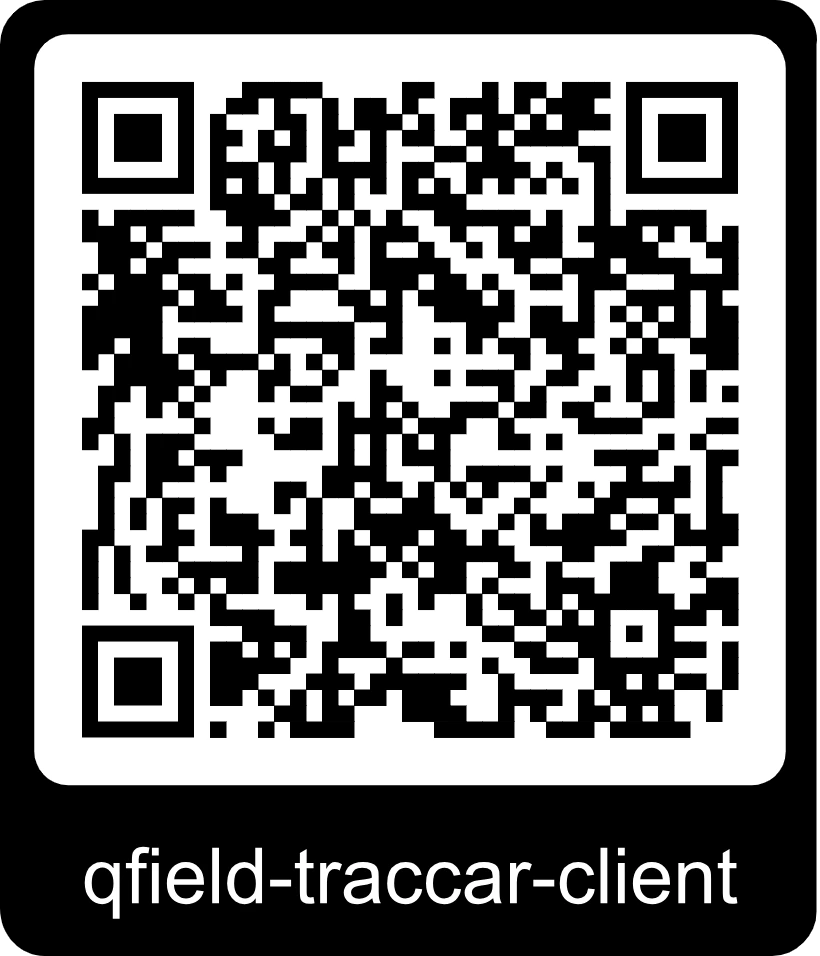
Explore how easy the plugin works:
01
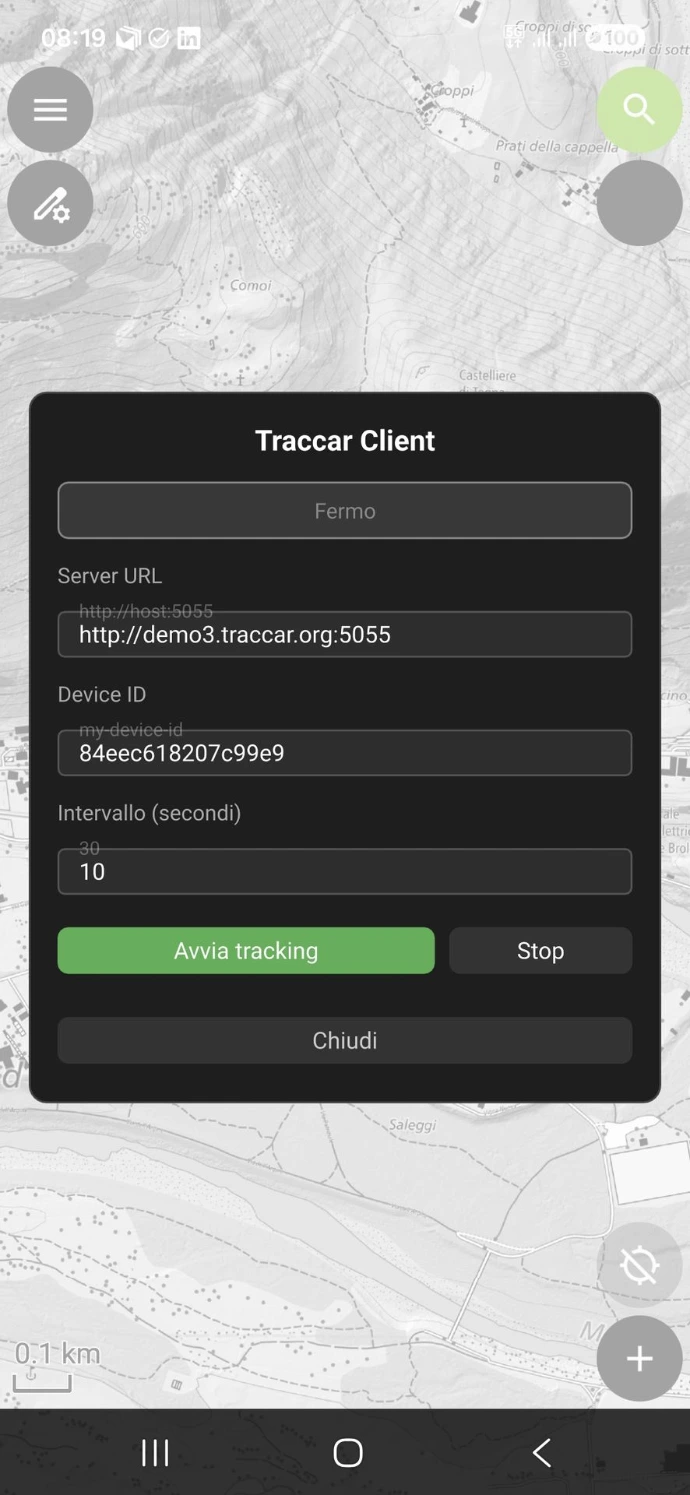
Open it...
02
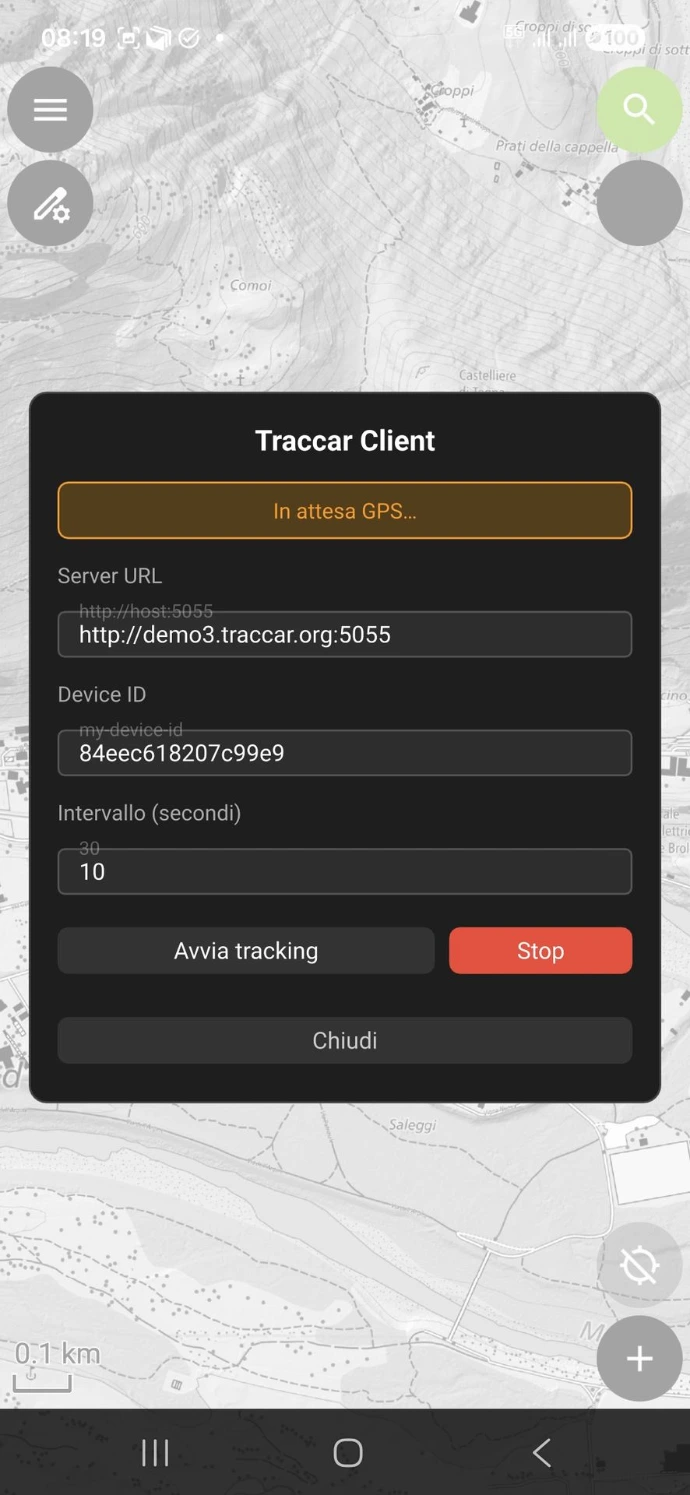
Seek for GNSS connectivity...
03
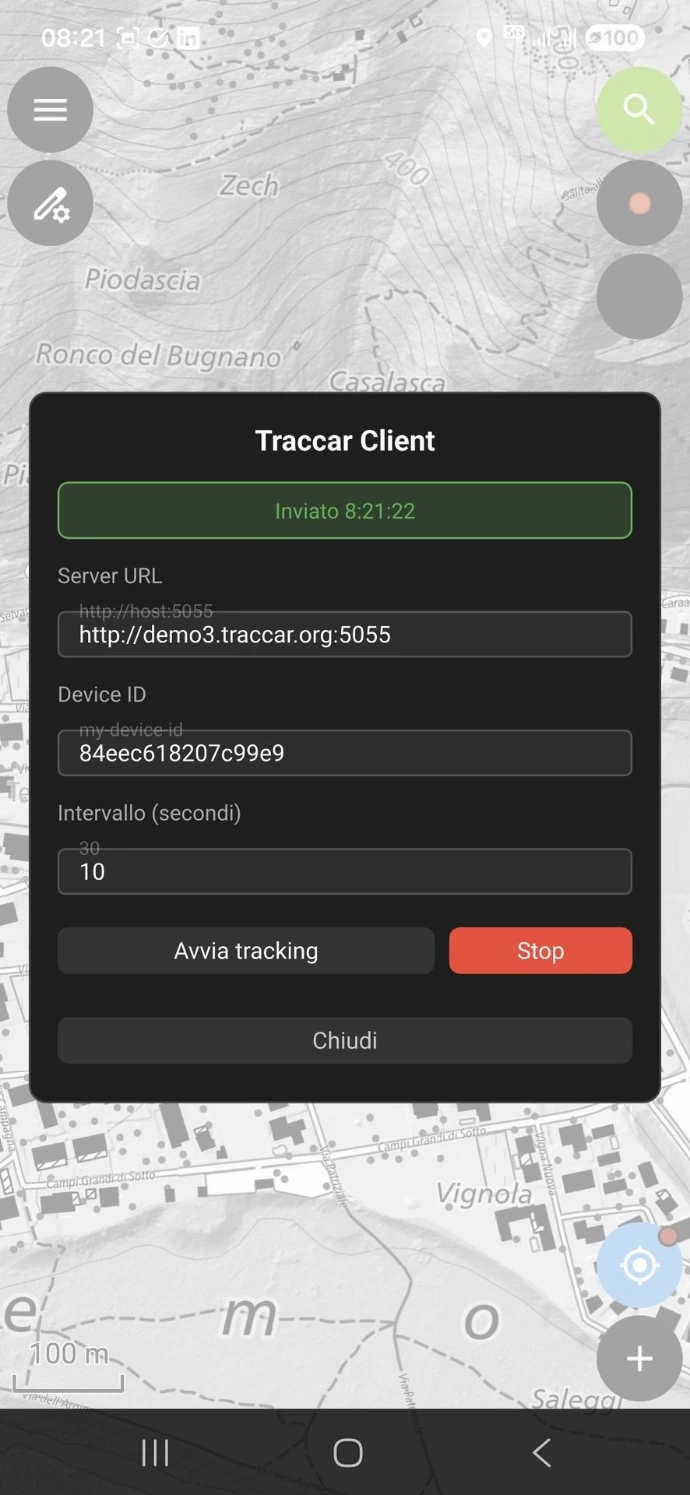
Send your position...
04
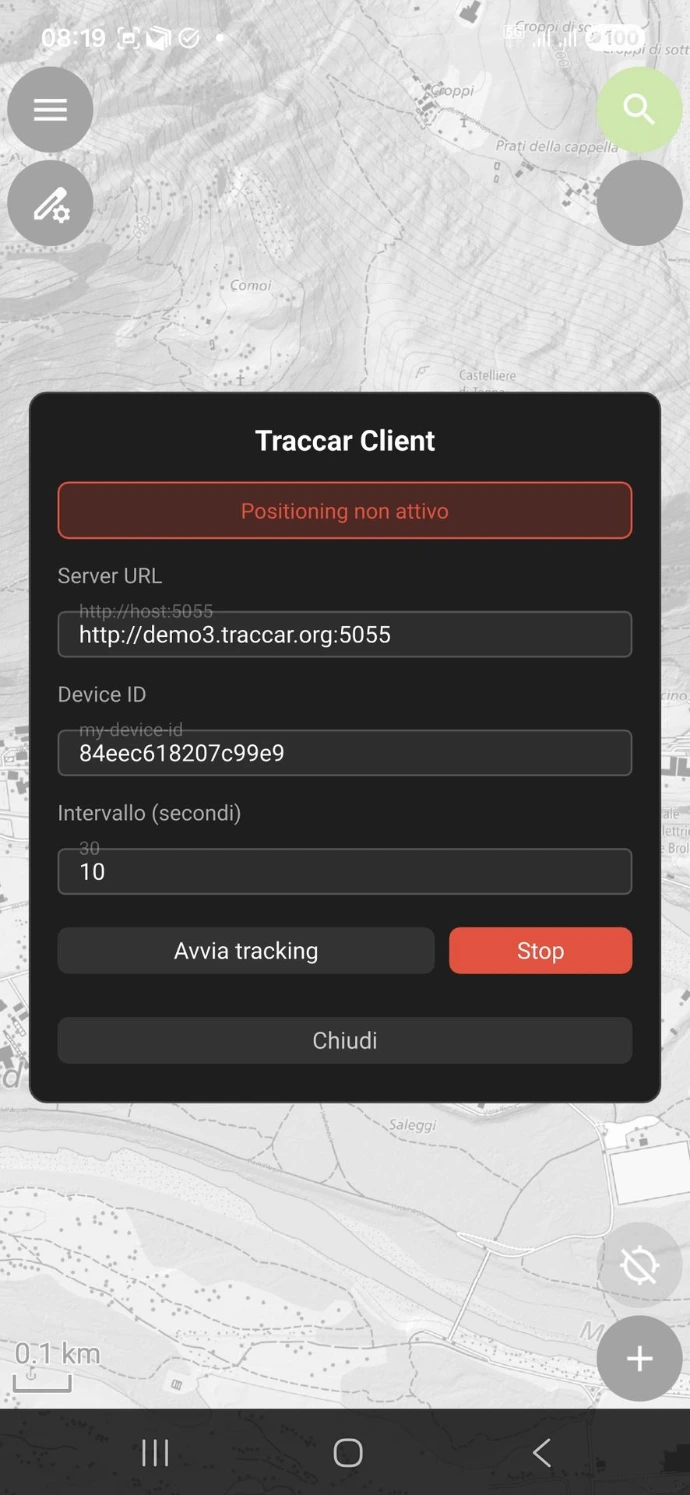
Detect any issues...
The plugin is available on GitHub under the GPL-2.0 license:
👉 github.com/intelligeo/qfield-traccar-client
Do you need help setting up and maintaining a tracking system for your fieldwork? Please don’t hesitate to contact me: ask@intelligeo.ch
I warmly welcome any feedback, comments, or requests for collaboration!